合 StarRocks安装常见错误整理
文章目录[隐藏]
- Error: Could not find or load main class com.starrocks.StarRocksFE
- java.net.ConnectException: Connection refused (Connection refused)
- 如何在配置文件 fe.conf 中 priority_networks 参数下配置固定 IP?
- 安装 BE 节点后启动失败,并返回错误 "StarRocks BE http service did not start correctly, exiting"。我该如何解决?
- 在部署企业版 StarRocks 的过程当中,配置节点时报错:“Failed to Distribute files to node”。我该如何解决?
- StarRocks 是否支持动态修改 FE、BE 配置项?
Error: Could not find or load main class com.starrocks.StarRocksFE
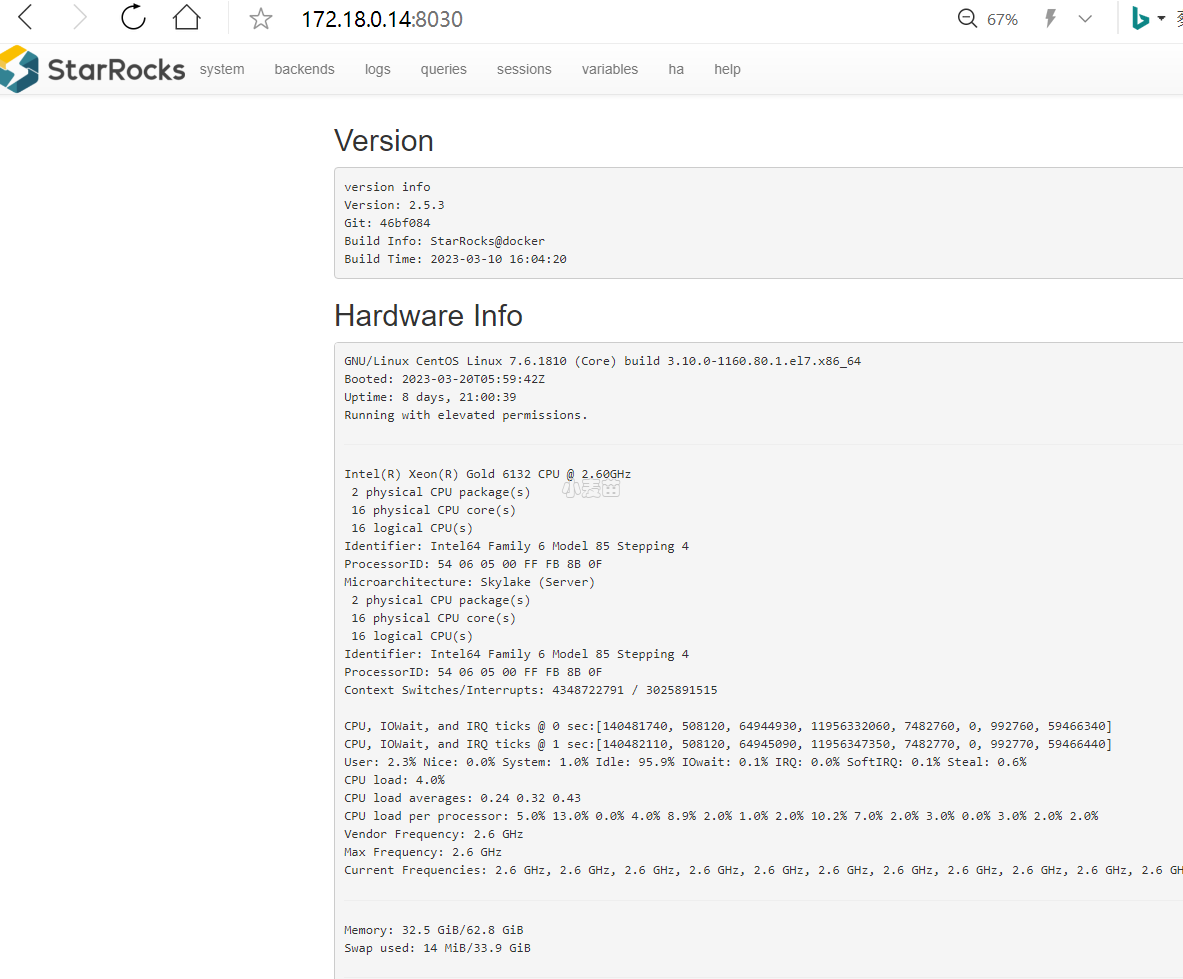
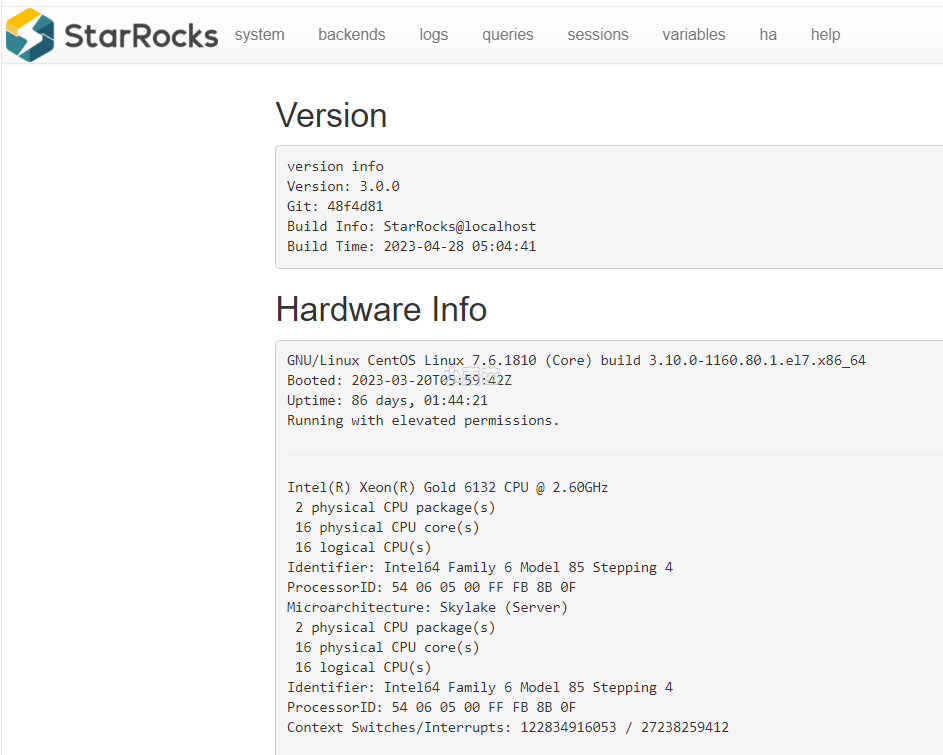
请使用下载地址:https://www.mirrorship.cn/zh-CN/download/community进行下载二进制包,大小为2.2G
不要使用github上的地址进行下载,github上的是源码包,编译才能使用,大小为50MB。
二进制安装包已经包括了文件starrocks-fe.jar:
1 2 | [root@starrocks253 soft]# find / -name starrocks-fe.jar /usr/local/StarRocks-2.5.3/fe/lib/starrocks-fe.jar |
java.net.ConnectException: Connection refused (Connection refused)
添加BE节点后,不能启动,查询“show backends;”,列ErrMsg显示:java.net.ConnectException: Connection refused (Connection refused)
1 2 3 4 5 6 7 8 | mysql> show backends; +-----------+--------------+---------------+--------+----------+----------+---------------------+---------------------+-------+----------------------+-----------------------+-----------+------------------+---------------+---------------+---------+----------------+--------------------------------------------------------------------+---------------+--------------------------------------------------------+-------------------+-------------+----------+-------------------+------------+------------+ | BackendId | IP | HeartbeatPort | BePort | HttpPort | BrpcPort | LastStartTime | LastHeartbeat | Alive | SystemDecommissioned | ClusterDecommissioned | TabletNum | DataUsedCapacity | AvailCapacity | TotalCapacity | UsedPct | MaxDiskUsedPct | ErrMsg | Version | Status | DataTotalCapacity | DataUsedPct | CpuCores | NumRunningQueries | MemUsedPct | CpuUsedPct | +-----------+--------------+---------------+--------+----------+----------+---------------------+---------------------+-------+----------------------+-----------------------+-----------+------------------+---------------+---------------+---------+----------------+--------------------------------------------------------------------+---------------+--------------------------------------------------------+-------------------+-------------+----------+-------------------+------------+------------+ | 10272 | 192.18.0.137 | 9050 | -1 | -1 | -1 | NULL | NULL | false | false | false | 0 | 0.000 | 1.000 B | 0.000 | 0.00 % | 0.00 % | java.net.ConnectException: Connection refused (Connection refused) | | {"lastSuccessReportTabletsTime":"N/A"} | 0.000 | 0.00 % | 0 | 0 | 0.00 % | 0.0 % | | 10007 | 192.18.0.138 | 9050 | 9060 | 8040 | 8060 | 2023-03-29 15:37:36 | 2023-03-29 15:52:52 | true | false | false | 39 | 2.595 KB | 285.514 GB | 494.971 GB | 42.32 % | 42.32 % | | 2.5.3-46bf084 | {"lastSuccessReportTabletsTime":"2023-03-29 15:52:36"} | 285.514 GB | 0.00 % | 4 | 0 | 1.03 % | 0.2 % | +-----------+--------------+---------------+--------+----------+----------+---------------------+---------------------+-------+----------------------+-----------------------+-----------+------------------+---------------+---------------+---------+----------------+--------------------------------------------------------------------+---------------+--------------------------------------------------------+-------------------+-------------+----------+-------------------+------------+------------+ 2 rows in set (0.04 sec) |
查看日志:
1 2 3 4 5 6 7 8 9 10 11 12 13 14 15 16 17 18 19 20 21 | I0329 15:51:01.494788 31548 backend_options.cpp:77] localhost 192.18.0.137 I0329 15:51:01.496893 31548 exec_env.cpp:421] Set storage page cache size 2698684563 I0329 15:51:01.497128 31558 daemon.cpp:188] Current memory statistics: process(28953072), query_pool(0), load(0), metadata(0), compaction(0), schema_change(0), column_pool(0), page_cache(0), update(0), chunk_allocator(0), clone(0), consistency(0) I0329 15:51:01.498107 31560 data_dir.cpp:113] path: /usr/local/starrocks/be/storage, hash: 8442776031408076163 I0329 15:51:01.526329 31627 data_dir.cpp:237] start to load tablets from /usr/local/starrocks/be/storage I0329 15:51:01.526365 31627 data_dir.cpp:243] begin loading rowset from meta I0329 15:51:01.527894 31627 data_dir.cpp:261] load rowset from meta finished, data dir: /usr/local/starrocks/be/storage I0329 15:51:01.527917 31627 data_dir.cpp:266] begin loading tablet from meta I0329 15:51:01.528043 31627 data_dir.cpp:302] load tablet from meta finished, loaded tablet: 0, error tablet: 0, path: /usr/local/starrocks/be/storage I0329 15:51:01.537509 31693 fragment_mgr.cpp:516] FragmentMgr cancel worker start working. I0329 15:51:01.546819 31548 exec_env.cpp:173] [PIPELINE] Exec thread pool: thread_num=4 W0329 15:51:01.770228 31548 stack_util.cpp:128] 2023-03-29 15:51:01.770140, query_id=00000000-0000-0000-0000-000000000000, fragment_instance_id=00000000-0000-0000-0000-000000000000 throws exception: std::system_error, trace: @ 0x2a33ce0 std::__throw_system_error() @ 0x7cabc59 std::thread::_M_start_thread() @ 0x46f1534 starrocks::RuntimeFilterWorker::RuntimeFilterWorker() @ 0x464de29 starrocks::ExecEnv::_init() @ 0x464ed42 starrocks::ExecEnv::init() @ 0x2a36ea1 main @ 0x7f0cb60d6555 __libc_start_main @ 0x2b5172f (unknown) @ (nil) (unknown) |
不能启动的原因是:可用内存不足,请保证可用内存有10G以上。
查询资源:
1 2 3 4 | [root@PT-Test-12 storage]# free -h total used free shared buff/cache available Mem: 15G 5.7G 801M 802M 9.0G 8.7G Swap: 4.0G 503M 3.5G |
杀掉部分占用内存的资源后:
1 2 3 4 | [root@PT-Test-12 ~]# free -h total used free shared buff/cache available Mem: 15G 839M 5.6G 802M 9.1G 13G Swap: 4.0G 31M 4.0G |
重新启动后正常:/usr/local/starrocks/be/bin/start_be.sh --daemon
1 2 3 4 5 6 7 8 | mysql> show backends; +-----------+--------------+---------------+--------+----------+----------+---------------------+---------------------+-------+----------------------+-----------------------+-----------+------------------+---------------+---------------+---------+----------------+--------+---------------+--------------------------------------------------------+-------------------+-------------+----------+-------------------+------------+------------+ | BackendId | IP | HeartbeatPort | BePort | HttpPort | BrpcPort | LastStartTime | LastHeartbeat | Alive | SystemDecommissioned | ClusterDecommissioned | TabletNum | DataUsedCapacity | AvailCapacity | TotalCapacity | UsedPct | MaxDiskUsedPct | ErrMsg | Version | Status | DataTotalCapacity | DataUsedPct | CpuCores | NumRunningQueries | MemUsedPct | CpuUsedPct | +-----------+--------------+---------------+--------+----------+----------+---------------------+---------------------+-------+----------------------+-----------------------+-----------+------------------+---------------+---------------+---------+----------------+--------+---------------+--------------------------------------------------------+-------------------+-------------+----------+-------------------+------------+------------+ | 10272 | 192.18.0.137 | 9050 | 9060 | 8040 | 8060 | 2023-03-29 16:10:59 | 2023-03-29 16:17:05 | true | false | false | 20 | 10.985 KB | 240.805 GB | 494.971 GB | 51.35 % | 51.35 % | | 2.5.3-46bf084 | {"lastSuccessReportTabletsTime":"2023-03-29 16:16:59"} | 240.805 GB | 0.00 % | 4 | 0 | 1.13 % | 0.2 % | | 10007 | 192.18.0.138 | 9050 | 9060 | 8040 | 8060 | 2023-03-29 15:37:36 | 2023-03-29 16:17:05 | true | false | false | 28 | 11.006 KB | 278.962 GB | 494.971 GB | 43.64 % | 43.64 % | | 2.5.3-46bf084 | {"lastSuccessReportTabletsTime":"2023-03-29 16:16:36"} | 278.962 GB | 0.00 % | 4 | 0 | 1.10 % | 0.4 % | +-----------+--------------+---------------+--------+----------+----------+---------------------+---------------------+-------+----------------------+-----------------------+-----------+------------------+---------------+---------------+---------+----------------+--------+---------------+--------------------------------------------------------+-------------------+-------------+----------+-------------------+------------+------------+ 2 rows in set (0.05 sec) |
如何在配置文件 fe.conf 中 priority_networks 参数下配置固定 IP?
问题描述
假设当前节点有两个 IP 地址:192.168.108.23 和 192.168.108.43。
- 如果您将
priority_networks设定为192.168.108.23/24,StarRocks 会将该地址识别为192.168.108.43。 - 如果您将
priority_networks设定为192.168.108.23/32,启动后 StarRocks 会出错,并将该地址识别为127.0.0.1。
解决方案
以上问题有以下两种解决方案:
- 删去 CIDR 后缀
32或者将其改为28。 - 将 StarRocks 升级至 2.1 或更新版本。
安装 BE 节点后启动失败,并返回错误 "StarRocks BE http service did not start correctly, exiting"。我该如何解决?
如果在安装 BE 后启动报错 StarRocks Be http service did not start correctly,exiting,该问题是 BE 节点 webserver_port 端口被占用导致。您需要修改 BE 配置文件 be.conf 中的 webserver_port 配置项并重启 BE 服务使配置生效。如果多次修改为未被占用的端口,系统仍然重复报错,您需要检查节点是否装有 Yarn 等程序,确认监听端口选择修改监听规则,或者 BE 的端口选取范围绕过。
在部署企业版 StarRocks 的过程当中,配置节点时报错:“Failed to Distribute files to node”。我该如何解决?
以上错误是由于 FE 节点间 setuptools 版本不匹配导致。您需要使用 root 权限在集群的所有机器上执行以下命令:
1 2 3 | yum remove python-setuptools rm /usr/lib/python2.7/site-packages/setuptool* -rf wget https://bootstrap.pypa.io/ez_setup.py -O - | python |
StarRocks 是否支持动态修改 FE、BE 配置项?
部分 FE 节点和 BE 节点配置项支持动态修改。具体操作参考 配置参数。
动态修改 FE 节点配置项:
- 使用 SQL 方式动态修改:
1ADMIN SET FRONTEND CONFIG ("key" = "value");示例:
本人提供Oracle(OCP、OCM)、MySQL(OCP)、PostgreSQL(PGCA、PGCE、PGCM)等数据库的培训和考证业务,私聊QQ646634621或微信dbaup66,谢谢!